

项目背景
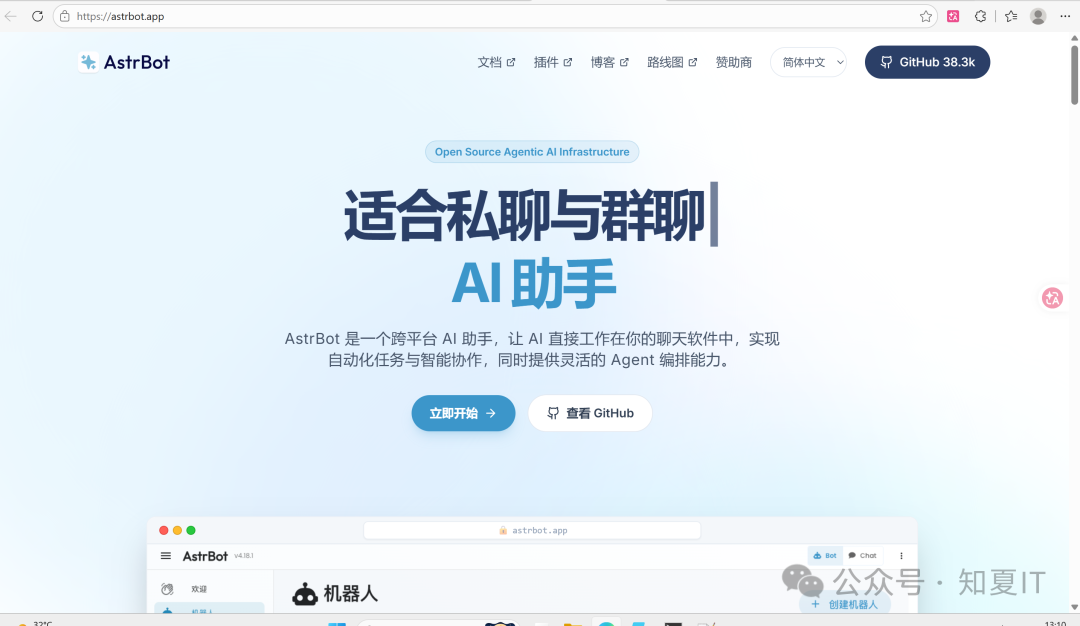
前面我们部署了oneapi统一对接ai大模型,再用chatgpt-next-web实现前端对话,不过这样感觉有点不方便,毕竟日常生活中还得专门打开chatgpt-next-web的页面实现ai对话,可不可以直接用qq对话我们部署好的大模型呢?当然是可以的啦,Astrbot就可以完美实现
正式部署
直接来部署Astrbot
mkdir -p /data/astrbot && cd /data/astrbot
docker run -d \
  --name astrbot \
  -p 4000:6185 \
  -v /data/astrbot:/AstrBot/data \
  -v /etc/localtime:/etc/localtime:ro \
  -v /etc/timezone:/etc/timezone:ro \
  soulter/astrbot:latest
浏览器访问http://ip:port打开管理界面
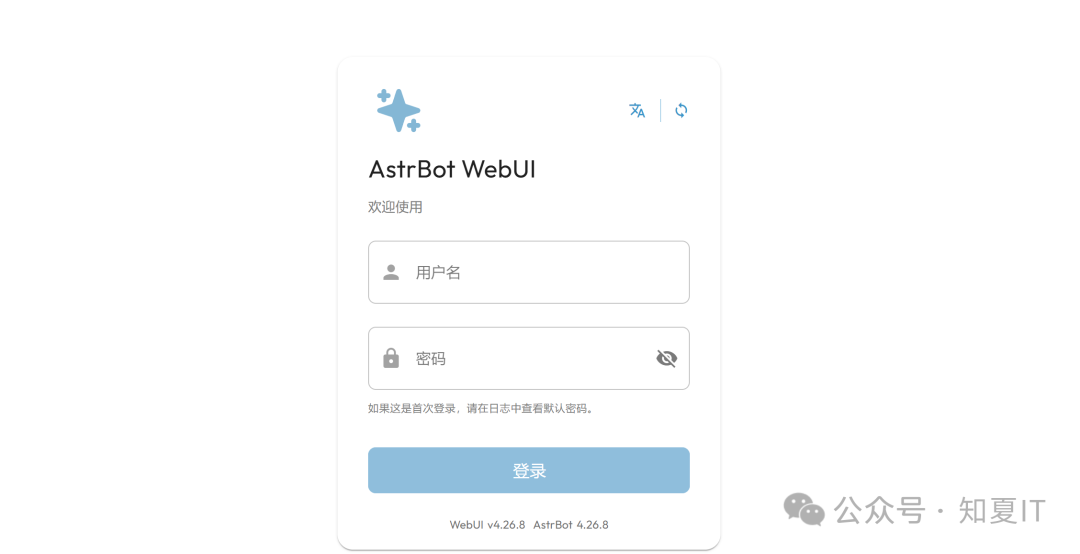
首次登录时需要通过日志获取账号密码
root@ubuntu01:/data/astrbot# docker logs astrbot -f
/usr/local/lib/python3.12/site-packages/jieba/__init__.py:44: SyntaxWarning: invalid escape sequence '\.'
  re_han_default = re.compile("([\u4E00-\u9FD5a-zA-Z0-9+#&\._%\-]+)", re.U)
/usr/local/lib/python3.12/site-packages/jieba/__init__.py:46: SyntaxWarning: invalid escape sequence '\s'
  re_skip_default = re.compile("(\r\n|\s)", re.U)
/usr/local/lib/python3.12/site-packages/jieba/finalseg/__init__.py:78: SyntaxWarning: invalid escape sequence '\.'
  re_skip = re.compile("([a-zA-Z0-9]+(?:\.\d+)?%?)")
[08:38:05.110] [Core] [INFO] [AstrBot.main:176]: Using bundled WebUI vv4.26.8.
[08:38:05.110] [Core] [INFO] [AstrBot.main:212]:
     ___           _______.___________..______      .______     ______   .___________.
    /   \         /       |           ||   _  \     |   _  \   /  __  \  |           |
   /  ^  \       |   (----`---|  |----`|  |_)  |    |  |_)  | |  |  |  | `---|  |----`
  /  /_\  \       \   \       |  |     |      /     |   _  <  |  |  |  |     |  |
 /  _____  \  .----)   |      |  |     |  |\  \----.|  |_)  | |  `--'  |     |  |
/__/     \__\ |_______/       |__|     | _| `._____||______/   \______/      |__|


[08:38:05.111] [Core] [INFO] [core.core_lifecycle:162]: AstrBot v4.26.8
[08:38:05.390] [Core] [INFO] [migration.migra_webchat_session:33]: 开始执行数据库迁移(WebChat 会话迁移)...
[08:38:05.396] [Core] [INFO] [migration.migra_webchat_session:54]: 没有找到需要迁移的 WebChat 数据
[08:38:05.410] [Core] [INFO] [migration.migra_token_usage:27]: 开始执行数据库迁移(添加 conversations.token_usage 列)...
[08:38:05.412] [Core] [INFO] [migration.migra_token_usage:39]: token_usage 列已存在,跳过迁移
[08:38:05.422] [Core] [INFO] [core.persona_mgr:38]: Loaded 0 personas.
[08:38:05.433] [Core] [INFO] [star.star_manager:1123]: Loading plugin builtin_commands ...
[08:38:05.464] [Core] [INFO] [star.star_manager:1207]: Plugin builtin_commands (0.0.1) by Soulter: AstrBot's internal plugin, providing all built-in commands such as /reset.
[08:38:05.465] [Core] [INFO] [star.star_manager:1123]: Loading plugin astrbot ...
[08:38:05.479] [Core] [INFO] [star.star_manager:1207]: Plugin astrbot (4.1.0) by AstrBot Team: AstrBot's internal plugin, providing some basic capabilities.
[08:38:05.497] [Core] [INFO] [provider.func_tool_manager:572]: 未找到 MCP 服务配置文件,已创建默认配置文件 /AstrBot/data/mcp_server.json
[08:38:05.560] [Core] [INFO] [knowledge_base.kb_mgr:64]: KnowledgeBase database initialized: /AstrBot/data/knowledge_base/kb.db
[08:38:06.268] [Core] [INFO] [dashboard.server:476]: Initialized random JWT secret for dashboard.
[08:38:06.589] [Core] [INFO] [dashboard.server:581]: Starting WebUI at http://0.0.0.0:6185
[08:38:06.589] [Core] [INFO] [dashboard.server:583]: WebUI listens on all interfaces. Check security. Set dashboard.host in data/cmd_config.json to change it.
[08:38:06.590] [Core] [INFO] [dashboard.server:626]:
 ✨✨✨
  AstrBot v4.26.8 WebUI is ready

   ➜  Local: http://localhost:6185
   ➜  Network: http://127.0.0.1:6185
   ➜  Network: http://172.17.0.10:6185
   ➜  Initial username: astrbot
   ➜  Initial password: ucCOUoO1k02AX91XHV7fwxht
   ➜  Change it after logging in
 ✨✨✨
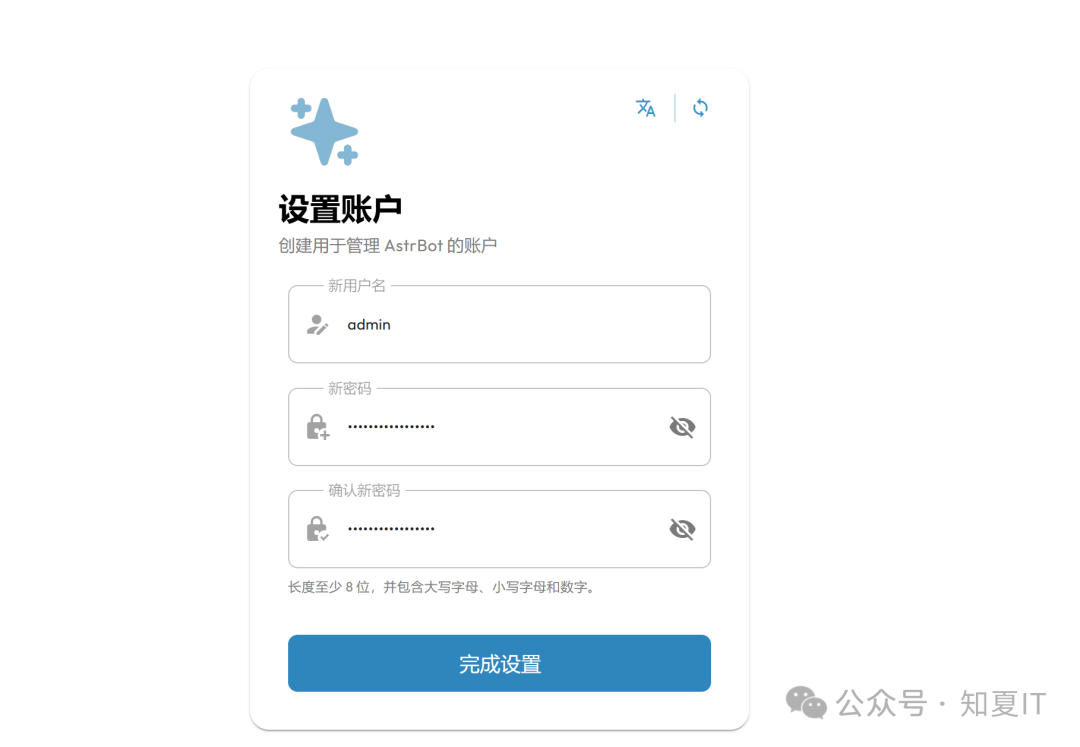
输入默认账号密码后点击登录会提示重置账号密码,重置后直接登录
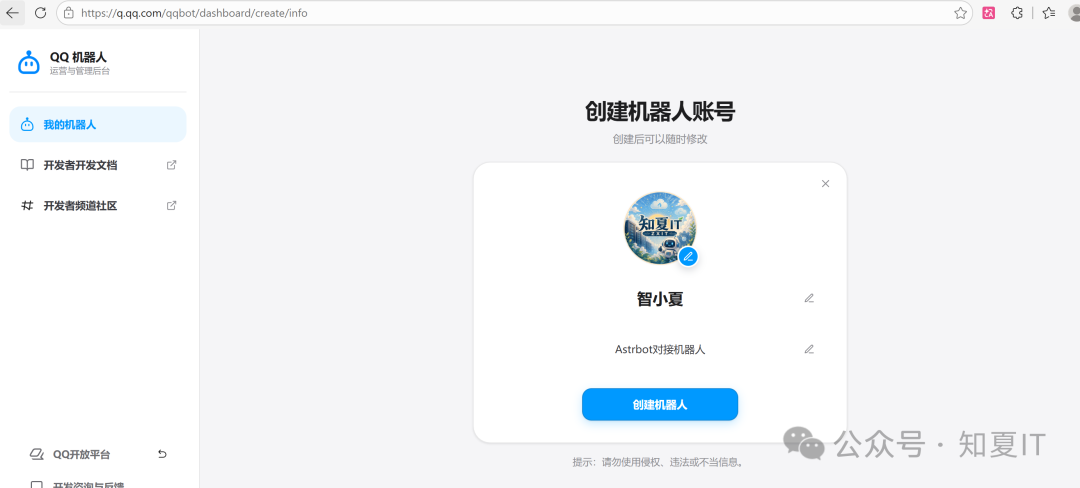
接下来先去腾讯QQ开放平台注册及创建机器人
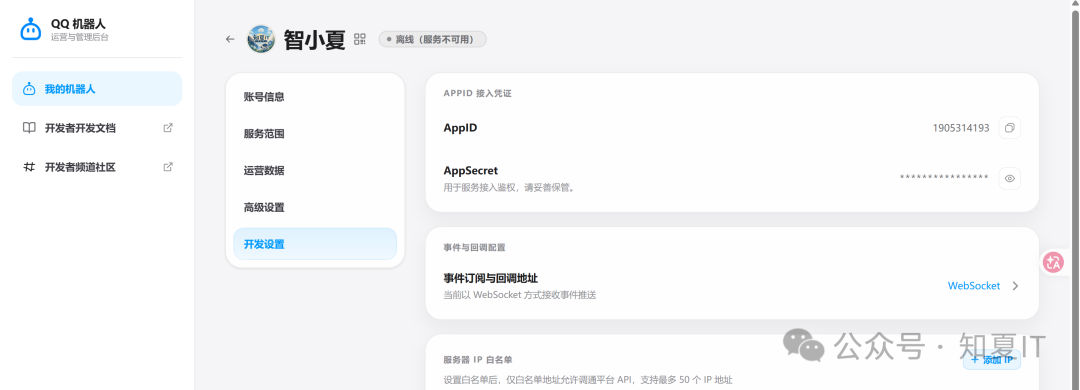
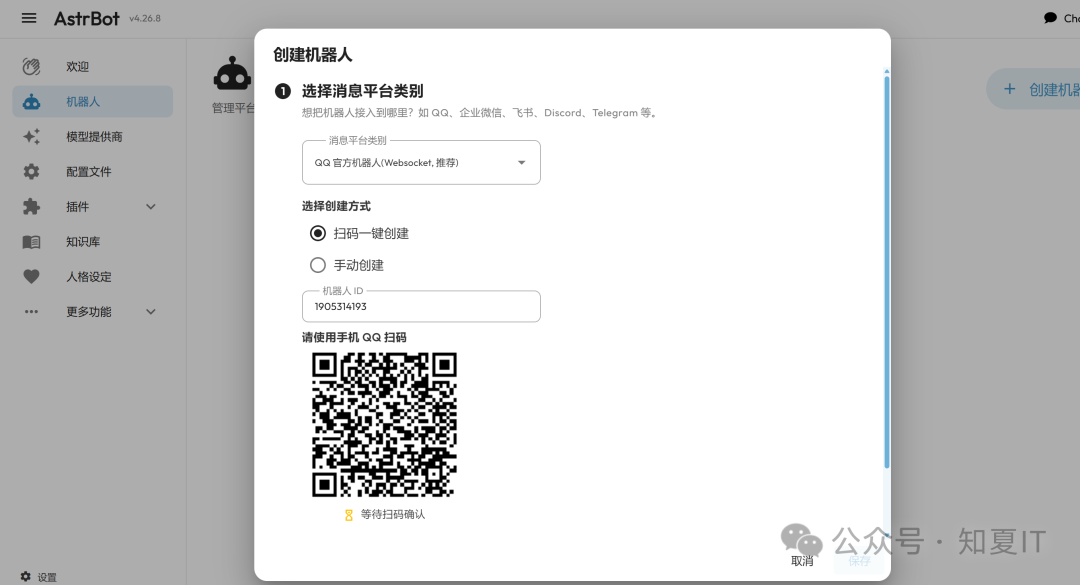
在Astrbot上绑定刚刚创建的机器人
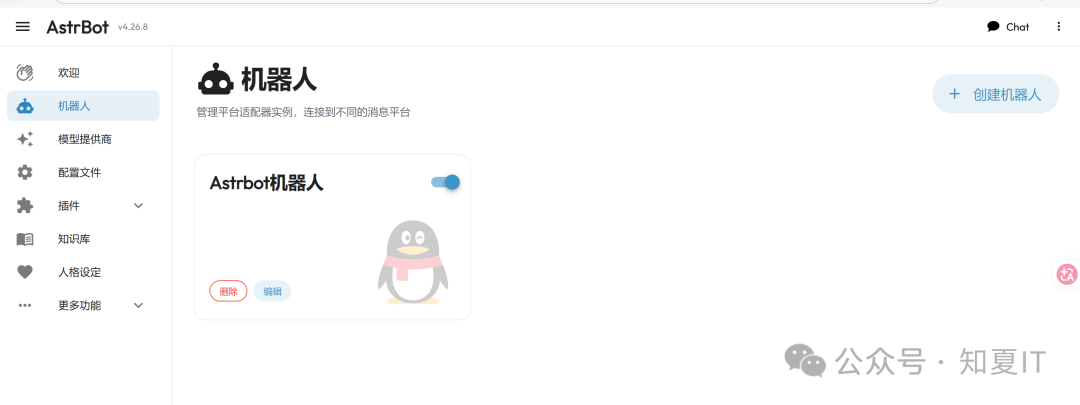
接下来配置AI大模型,先在我们的oneapi上生成一个专用令牌
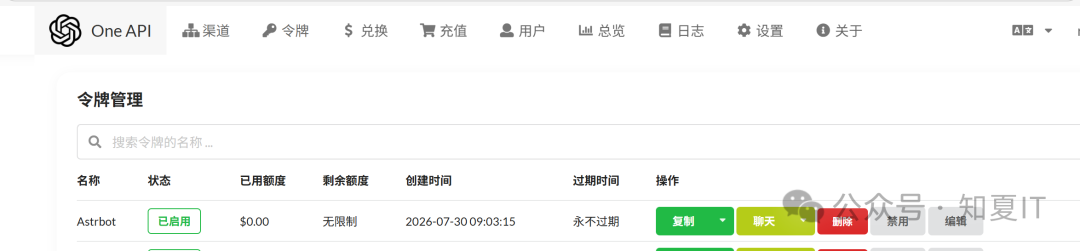
Astrbot对接oneapi并获取
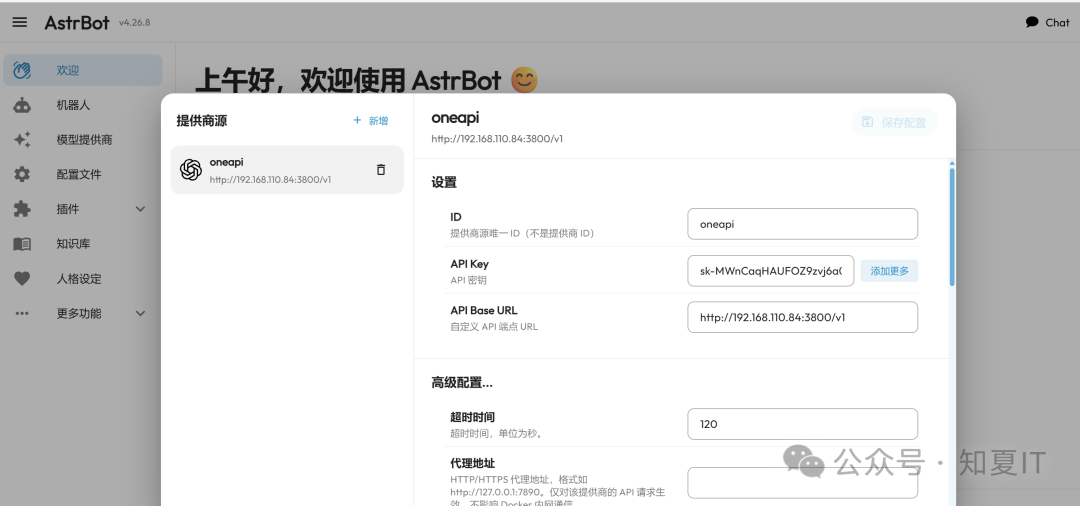
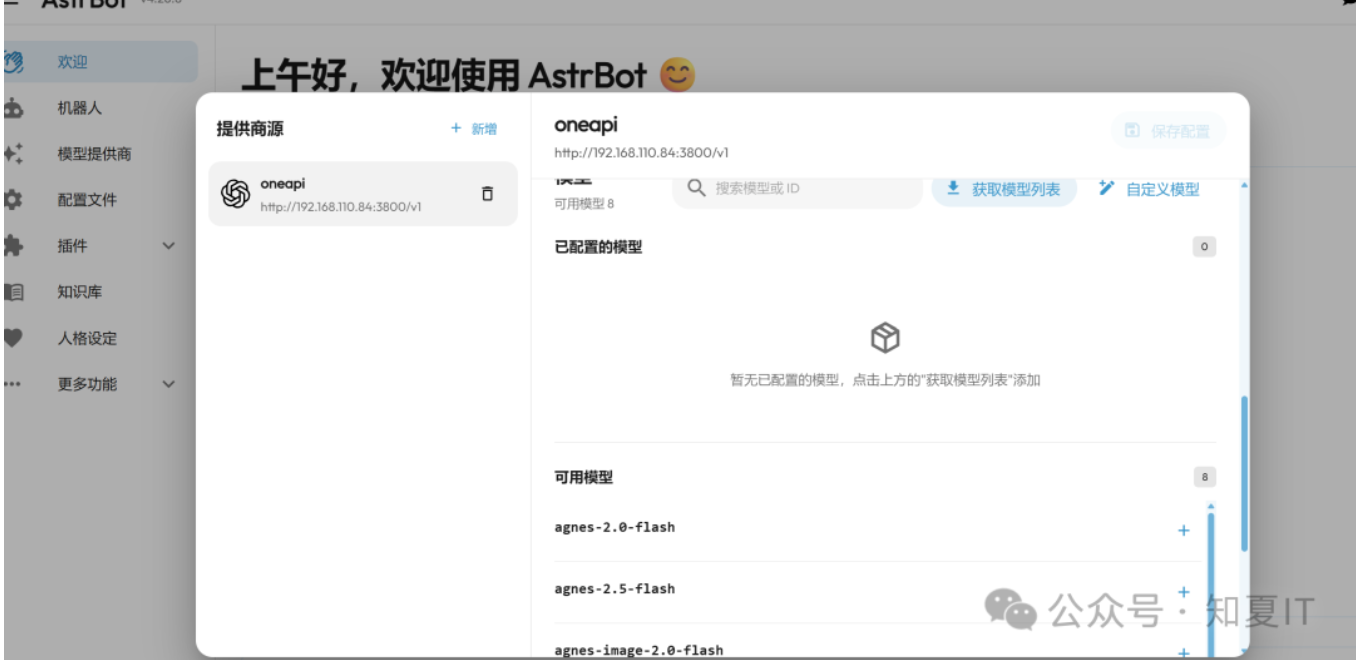
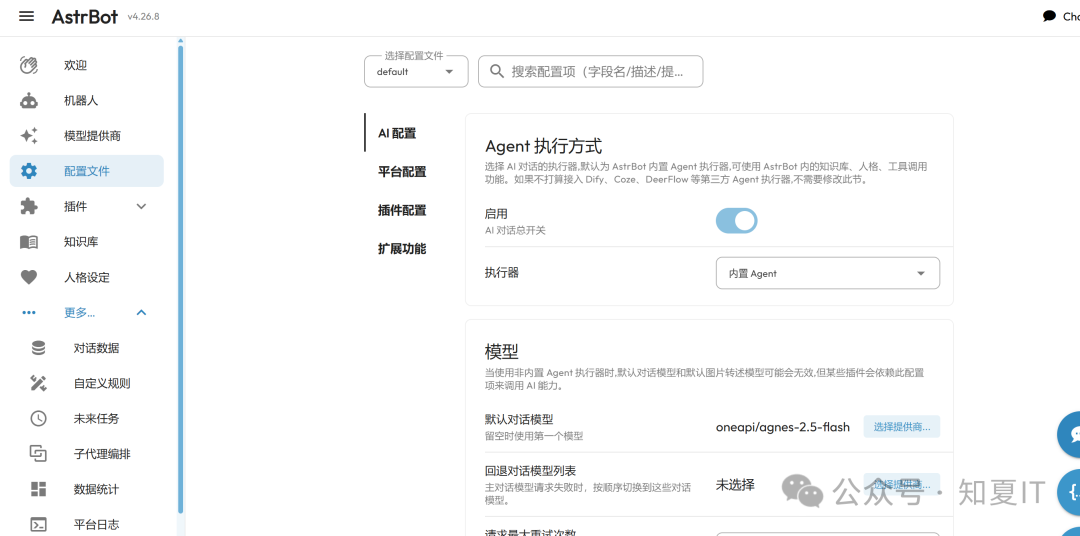
默认配置大模型
配置沙箱模式,配置qq白名单及设定机器人"is_sandbox"参数为true
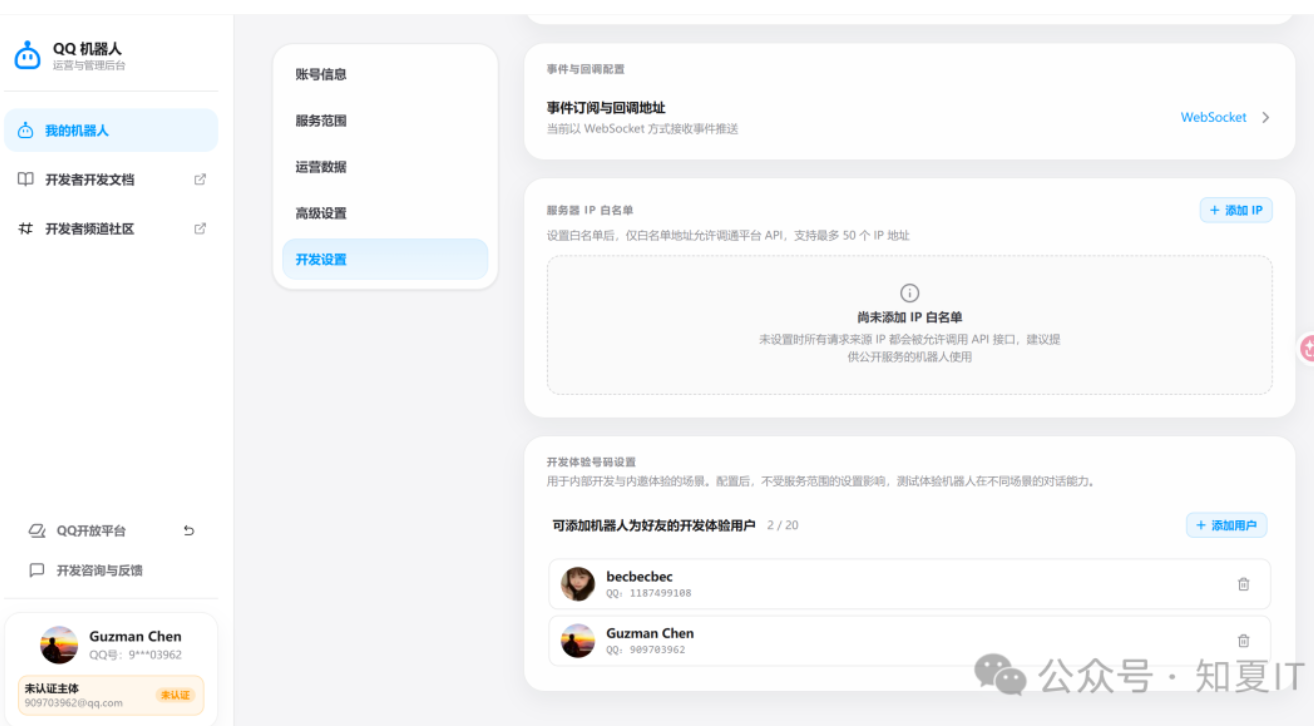
root@ubuntu01:/data/astrbot# vim cmd_config.json
  "platform": [
    {
      "id": "Astrbot机器人",
      "type": "qq_official",
      "enable": true,
      "appid": "xxx",
      "secret": "xxx",
      "is_sandbox": true,
      "enable_group_c2c": true,
      "enable_guild_direct_message": true
    }
  root@ubuntu01:/data/astrbot# docker restart astrbot
开始测试
接下来开始测试QQ能否正常对话机器人,前面创建机器人时,机器人会自动关联到管理员对话窗口,直接对话测试
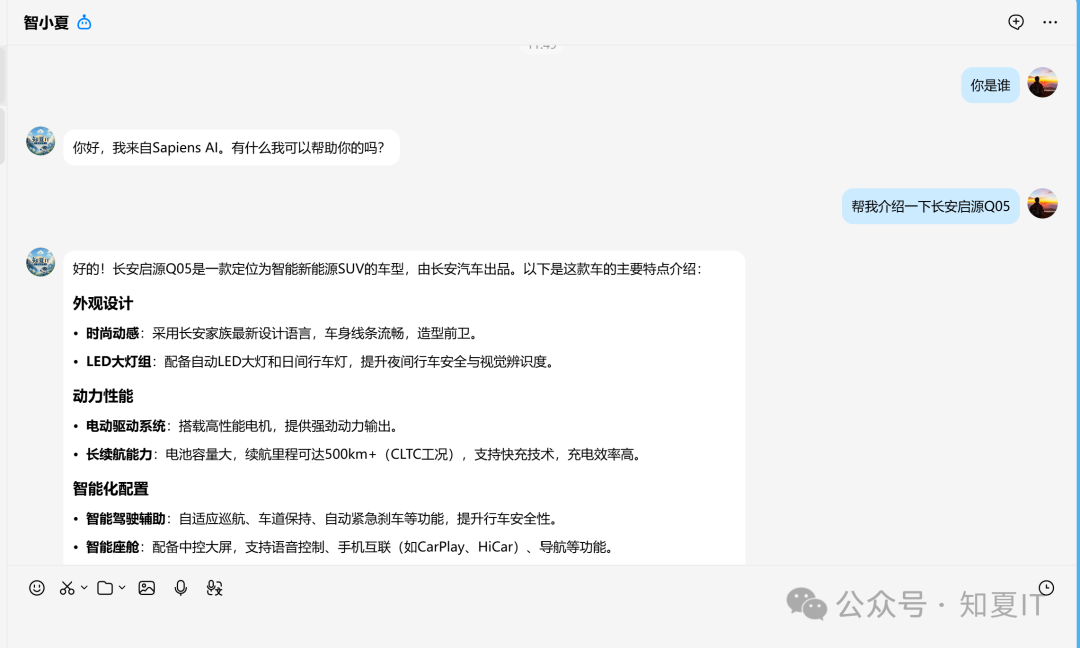
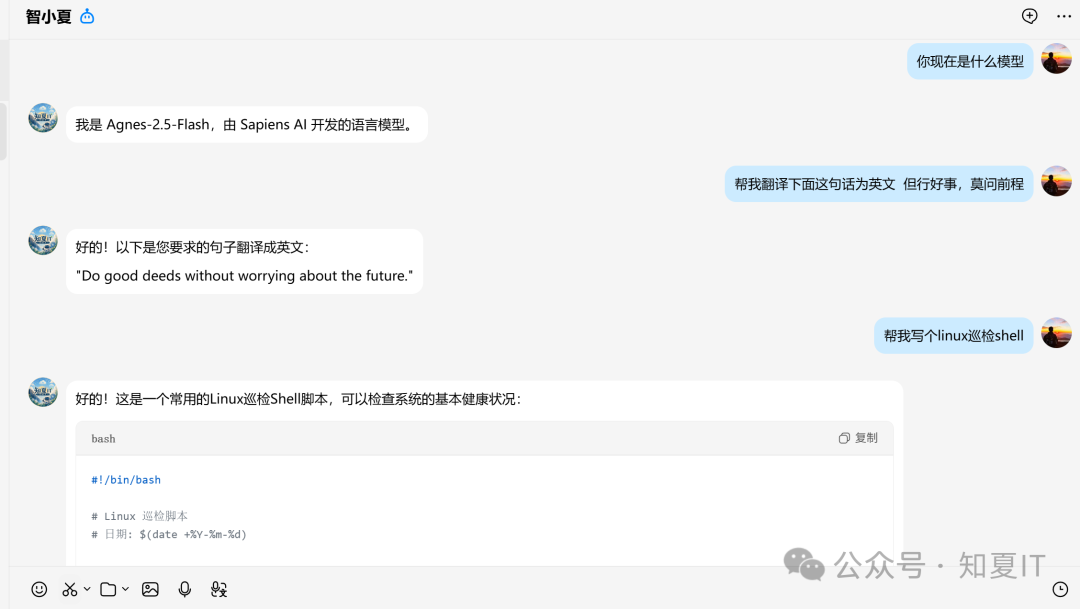
可以正常对话,速度还很快, 其他的可以自行探索一下哈



评论区